Transactions
See where your money goes
Add your bank accounts, upload PDF statements, and review every money in and out alongside the invoices they belong to — no spreadsheet required.
Upload PDF bank statements
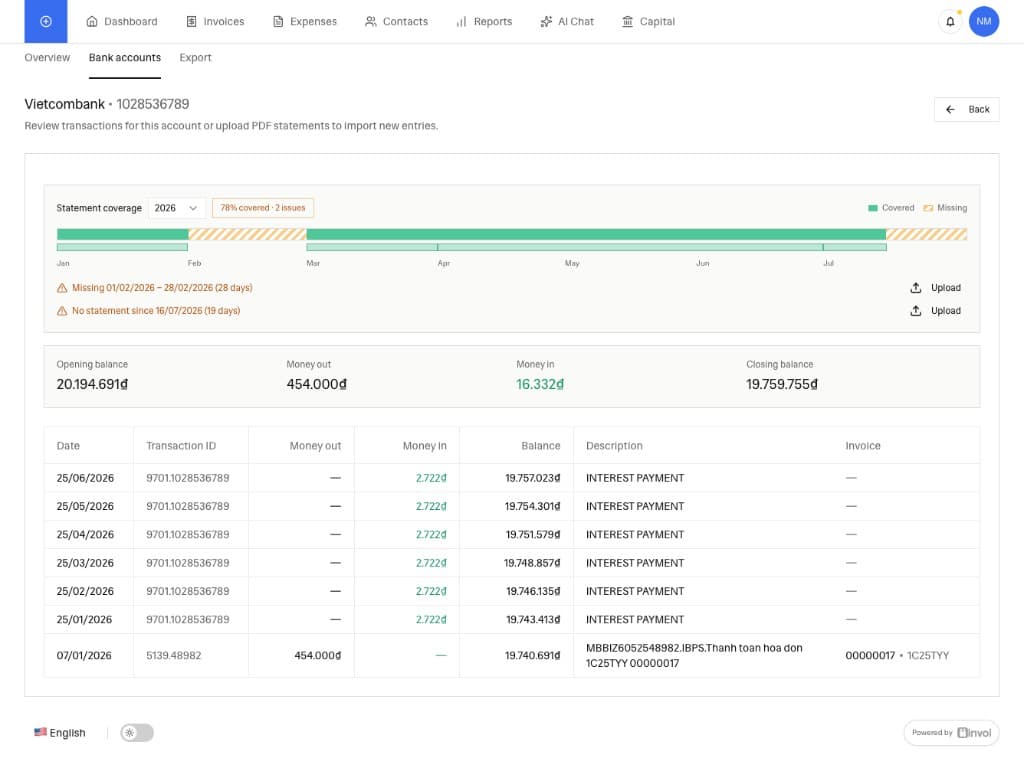
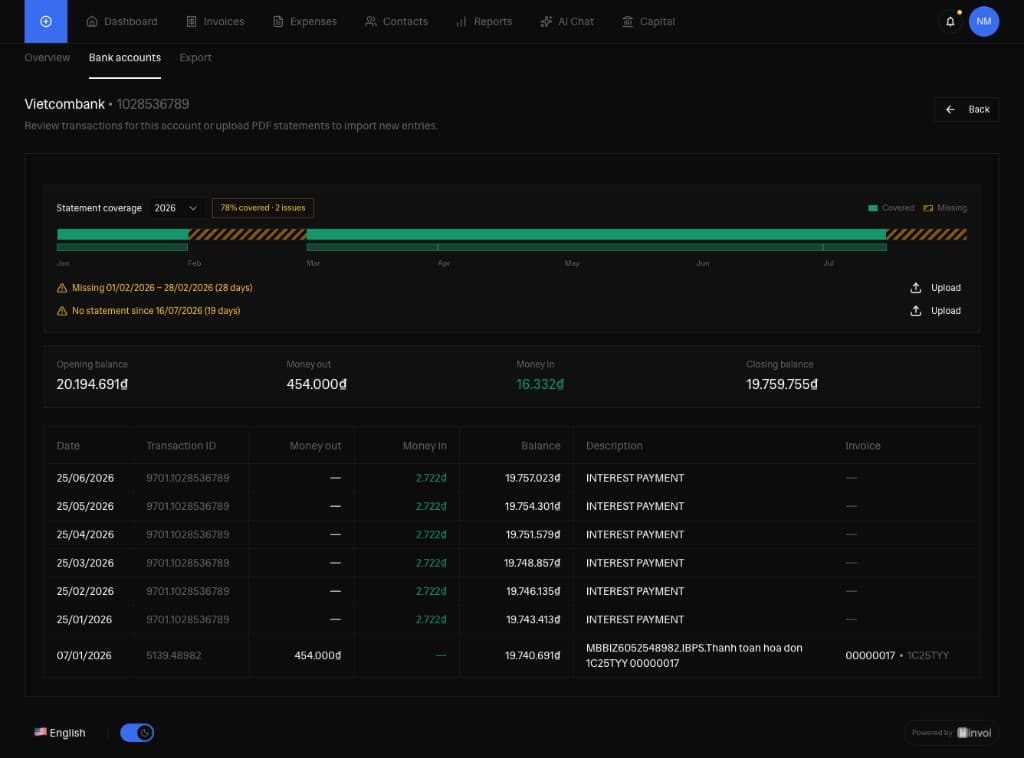
Configure your accounts in Settings → Bank and Cash, then upload account statement PDFs from Dashboard → Bank accounts. Invoi uses AI/OCR to read Vietcombank-style tables — date, doc no., debit, credit, balance, and description.

Statement coverage at a glance
A timeline shows which months your statements cover, highlights gaps and overlaps, and lets you filter transactions by year. Opening balance, money in, money out, and closing balance are summarized for each period.

Link payments to invoices
When a bank transfer description or transfer note includes an invoice code — for example a VAT invoice series and number — Invoi matches it to the invoice automatically. Reconcile what was paid against what you issued, in the same workspace.

Pricing that matches how you run your business
Solo+
Everything you need to get going
2.257.200₫/year · billed annually
Best for getting started
VIP
More power as your business grows
3.967.200₫/year · billed annually
Best value for growing teams
Free eSignature included in every plan · Excl. VAT
Ready to connect your bank activity?
Sign up freeAdd bank accounts in Settings → Bank and Cash after sign-up